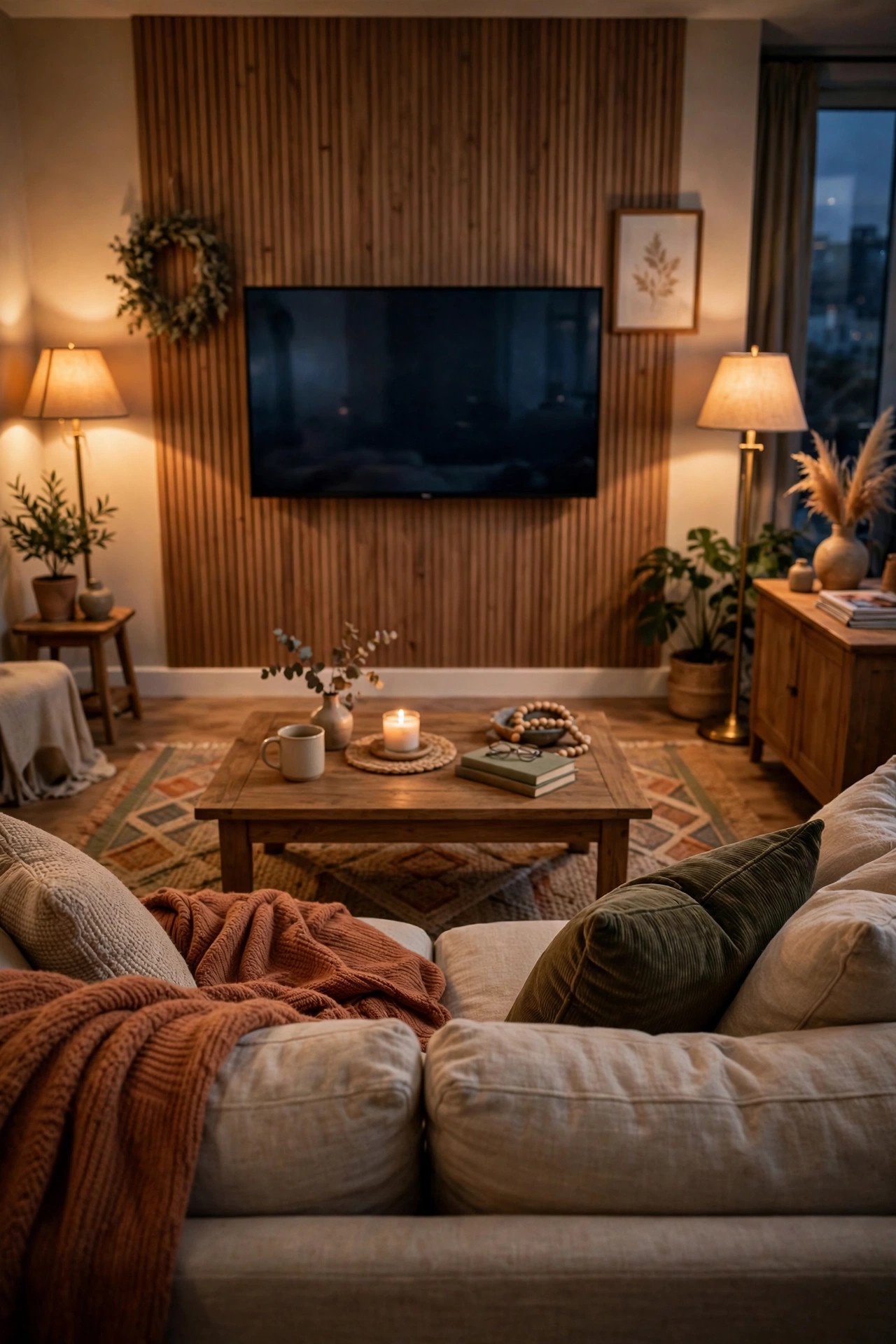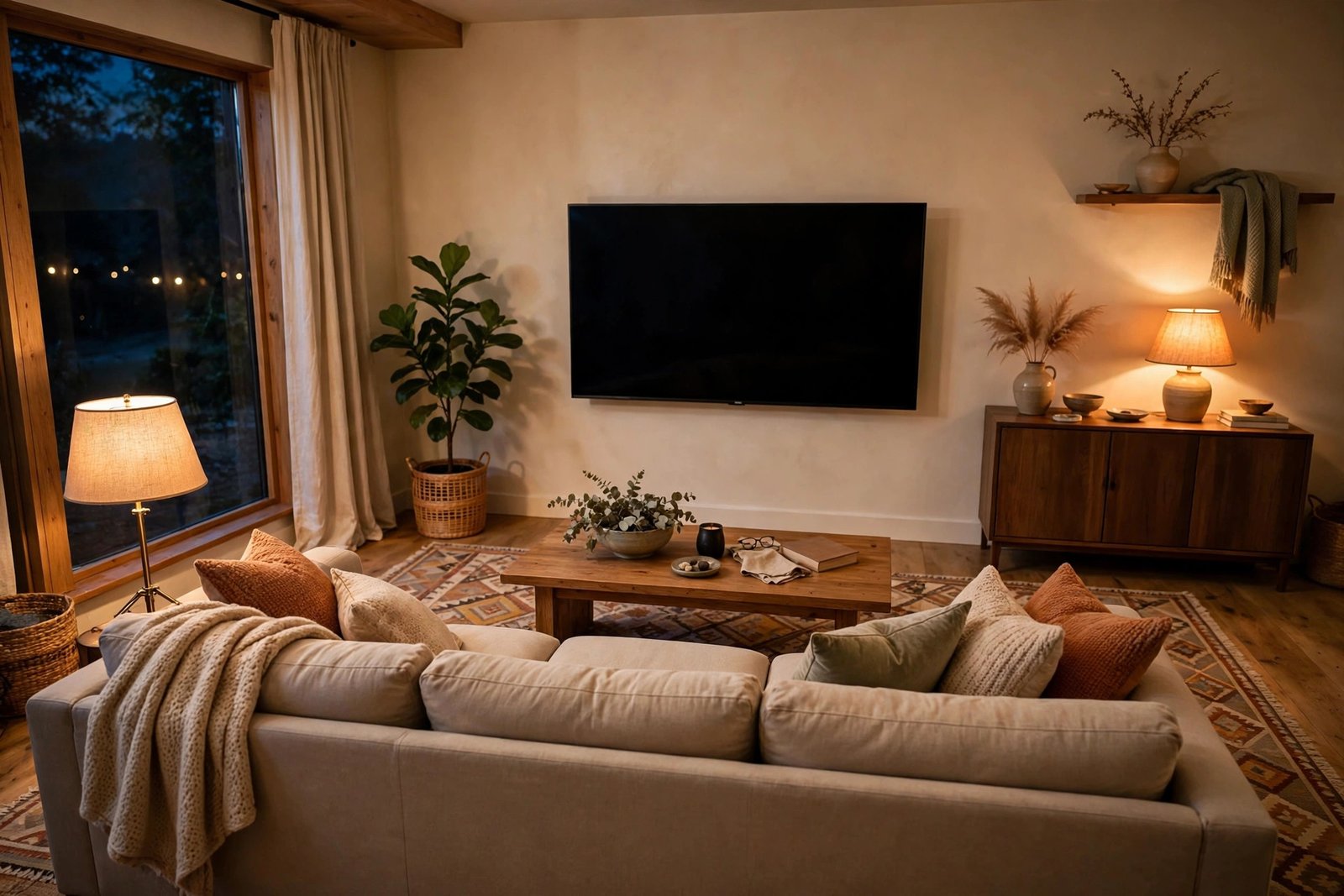
You settle onto the sofa for a film, and something feels off. The picture looks small and far away, faces on screen are hard to read, and you find yourself leaning forward or squinting at subtitles. The TV is not broken and your eyes are probably fine. The problem is distance: in many living rooms the sofa sits wherever the longest wall put it, and the television ended up on the opposite wall, metres beyond the range the screen was designed for.
The good news is that viewing distance is one of the easiest layout problems to fix, because it follows simple numbers. This guide gives you the correct distance for your screen size, explains why too far is just as tiring as too close, and shows the layout moves that bring the sofa and the screen back into range — without ruining the rest of the room.
Quick Answer
For comfortable viewing, sit roughly 1.2 to 1.6 times the screen’s diagonal measurement away from it. In practice that means about 1.7–2.3 metres for a 55-inch TV, 1.5–2 metres for a 43-inch, and 2–2.7 metres for a 65-inch. If your sofa is further away than that, the honest fixes are to move the sofa closer (floating it off the wall if needed), move the TV to a nearer wall, or fit a larger screen — in that order of cost. Keep a coffee table gap of 40–45 cm and the screen centre at seated eye level, about 100–110 cm from the floor.
Why Distance Matters More Than Screen Size
Television makers design screens around a simple idea: the picture should fill enough of your field of view that you can see detail without effort, but not so much that your eyes have to sweep across it. Sit too far away and small detail — faces, text, the ball in a match — shrinks below what your eyes can comfortably resolve. You compensate by leaning forward, turning the brightness up, or simply losing interest. Sit too close and the image feels overwhelming, pixels can become visible on lower-resolution content, and your eyes tire from constant small movements.
Modern 4K screens changed the maths in your favour. Because a 4K picture has far more detail packed into the same size, you can sit noticeably closer to a big screen than you could with an older HD set. That is why the recommended distances today are shorter than many people expect — and why a sofa parked four metres from a 55-inch TV wastes most of what the screen can do. The screen size you own is probably fine. It is the gap between the screen and the sofa that is wrong.
The Correct Distances, Screen by Screen
Use this table as your starting point. Distances are measured from the screen surface to where your eyes are when seated — roughly the front third of the sofa seat, not the wall behind it.
- 32 inch: about 1.0–1.4 metres
- 43 inch: about 1.4–1.9 metres
- 50 inch: about 1.6–2.2 metres
- 55 inch: about 1.8–2.4 metres
- 65 inch: about 2.1–2.8 metres
- 75 inch: about 2.4–3.2 metres
Measure your own room honestly before changing anything. Sit where you normally sit, and have someone run a tape from the screen to your head position. Also check the height while you are there: the centre of the screen should sit close to your seated eye level, around 100–110 cm from the floor for a typical sofa. A screen mounted high above a fireplace forces your neck up for hours, and no distance fix will make that comfortable.
Fix 1: Move the Sofa Closer and Float It
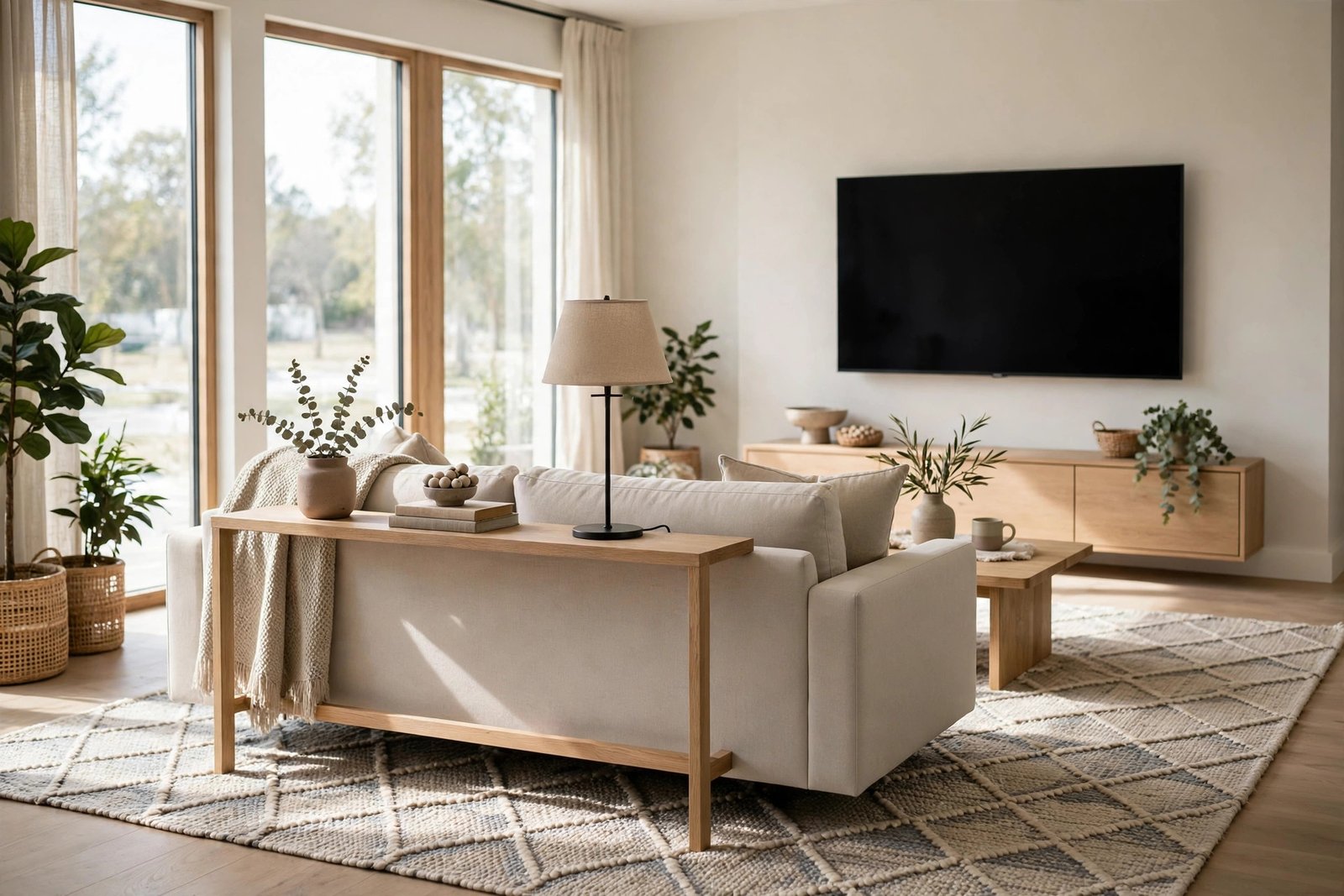
The cheapest and most effective fix is to bring the seating to the screen instead of stretching the screen toward the seating. In most rooms this means pulling the sofa off the wall and floating it in the room, with the gap behind it becoming a walkway, a console table spot, or a reading corner. Moving a sofa even 80 cm closer can bring a 55-inch screen from “too far” into the ideal range, and it often improves the room at the same time, because the seating group becomes a defined zone instead of furniture parked on a wall.
Before you push, check the two numbers that make floating work: you want roughly 75–90 cm of clear path behind the sofa if people walk there regularly, and the coffee table stays 40–45 cm from the sofa’s front edge. Our guide to sofa against the wall or floating walks through exactly how to test whether your room has the depth to float the sofa well. If it does, a rug under the group finishes the job — it marks the viewing zone and stops the floated sofa looking temporary.
Fix 2: Move the TV, or Give It a Better Wall
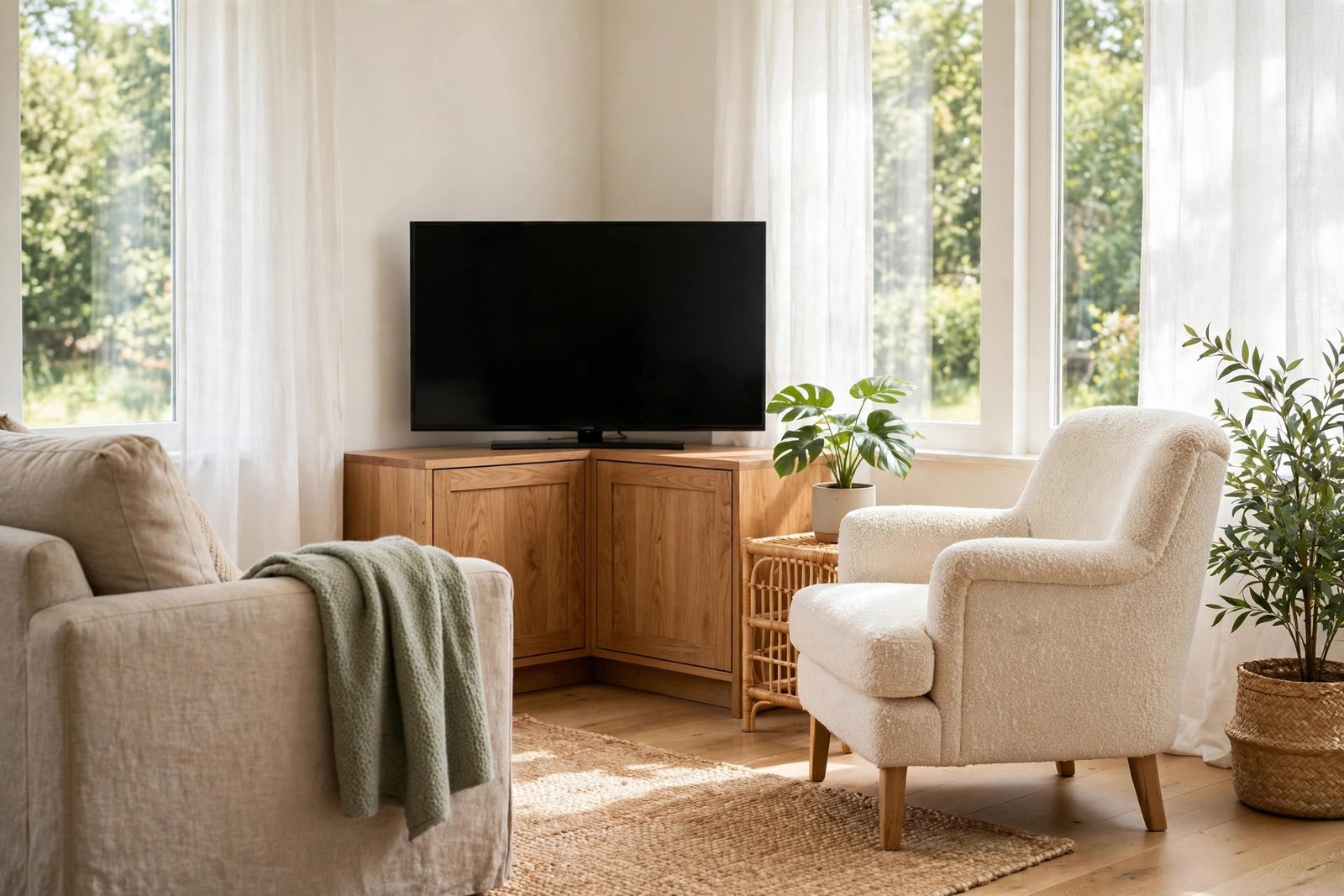
Sometimes the sofa cannot move — it may be boxed in by a dining area, a doorway, or a radiator. Then move the screen instead. A TV does not have to live on the longest wall. Placing it on a shorter wall, in a corner on an angled stand, or on a low cabinet that sits closer to the seating can cut a metre off the viewing distance without touching the sofa at all. Corner placement is underrated: angled across a corner, the screen often ends up facing the sofa diagonally at a much better distance than the flat opposite wall offered.
A full-motion wall mount helps in rented or awkward rooms, because it lets the screen pull out from the wall and angle toward wherever people actually sit. Check that moving the TV does not put it opposite a window — glare on the screen will annoy you far more than distance did. If the new position steals the room’s main through-route, be careful: a closer TV is not a win if everyone now has to squeeze past the coffee table to reach the kitchen. Our guide to fixing a living room walkway blocked by furniture shows how to protect the traffic path while you rearrange.
Fix 3: When a Bigger Screen Is the Honest Answer
There are rooms where neither the sofa nor the TV can move — a fixed fireplace wall, a sofa that only fits one way, an open-plan space where the viewing area is genuinely large. In those rooms, the correct fix is a larger screen, and it is worth doing the maths before you buy. If your seated distance is about 3 metres, a 65- or 75-inch screen brings you back into the comfortable range; staying with a 43-inch set at that distance means subtitles will always be a strain.
Resist the opposite mistake as well. A huge screen in a small room, viewed from 1.2 metres, is uncomfortable no matter how sharp it is. Match the screen to the distance you can actually achieve after rearranging, not the distance you wish you had. And if buying is not an option right now, move just the main seat — the chair or sofa end where you watch most — into range, and let the rest of the seating serve conversation.
Do Not Sacrifice Conversation to Fix Viewing
One warning before you rebuild the room around the television: a living room that works only for watching often works badly for everything else. If fixing the distance means every seat ends up in a single row staring at the screen, guests will feel it. Keep at least some seating angled toward the group, and keep facing seats within easy talking distance of each other. Our guide to fixing an awkward seating arrangement shows how to balance a TV-focused layout with a conversation-friendly one. The best rooms let you do both: pull a chair around for a film night, angle it back for company.
Mistakes to Avoid
- Mounting the TV high to “make room”. A screen well above seated eye level strains your neck no matter how good the distance is. Keep the centre near 100–110 cm from the floor.
- Measuring from the wall instead of your head. Viewing distance is screen-to-eyes. A deep sofa can add 30 cm of error if you measure wall to wall.
- Buying a bigger TV before moving the furniture. Rearranging is free. Float the sofa or move the screen first, then decide if you still need a larger set.
- Putting the screen opposite a bright window. You fix the distance and gain glare. Check reflections at the time of day you actually watch.
- Blocking the walkway with the moved sofa. A floated sofa needs a real path behind it — about 75–90 cm — or the room trades one problem for another.
- Lining every seat up facing the screen. Perfect viewing rows make awkward conversation. Keep the group able to face itself too.
Frequently Asked Questions
How far should I sit from a 55-inch TV?
About 1.8–2.4 metres from the screen to your eyes when seated. That range fills your view comfortably on a 4K set without making the picture feel overwhelming. If you are sitting at 3.5 metres or more, the screen will feel noticeably small.
Is sitting too far from the TV bad for your eyes?
It will not damage your eyes, but it does make them work harder. Straining to read small detail and faces causes tired, dry eyes and headaches over a long film. Correct distance is about comfort, not safety.
Should the TV be at eye level when seated?
Yes, as close as you can manage. The centre of the screen should be near your seated eye level, roughly 100–110 cm from the floor on a standard sofa. Slightly above is tolerable; mounted near the ceiling or high over a fireplace is not.
My room is long and narrow — how do I fix the distance?
Turn the layout across the width of the room instead of along its length. Put the TV on one long wall and the sofa facing it across the short dimension, and the distance usually drops into range. Any leftover length becomes a separate zone — a reading chair, a desk, or dining space.
The Bottom Line
If the TV feels too far away, it almost certainly is — and the fix is usually furniture, not shopping. Measure from the screen to your seated eyes, compare it with the range for your screen size, then close the gap by floating the sofa, moving the screen to a nearer wall, or, only if neither can move, sizing the screen up to suit the room. Keep the screen at seated eye level, protect the walkway behind the sofa, and leave the seating able to turn toward itself. Do that, and film nights stop feeling like peering across a hall.